Automatic tip out
Set each job's tip-out rule: a percentage of sales, a percentage of tips, or a flat amount. Tipmik fills it in, and you can adjust it for the shift.
Tipmik reads your checkout slip so you can review the numbers, save your shift, and see what you earned after tip out.
Photograph your end-of-shift checkout.
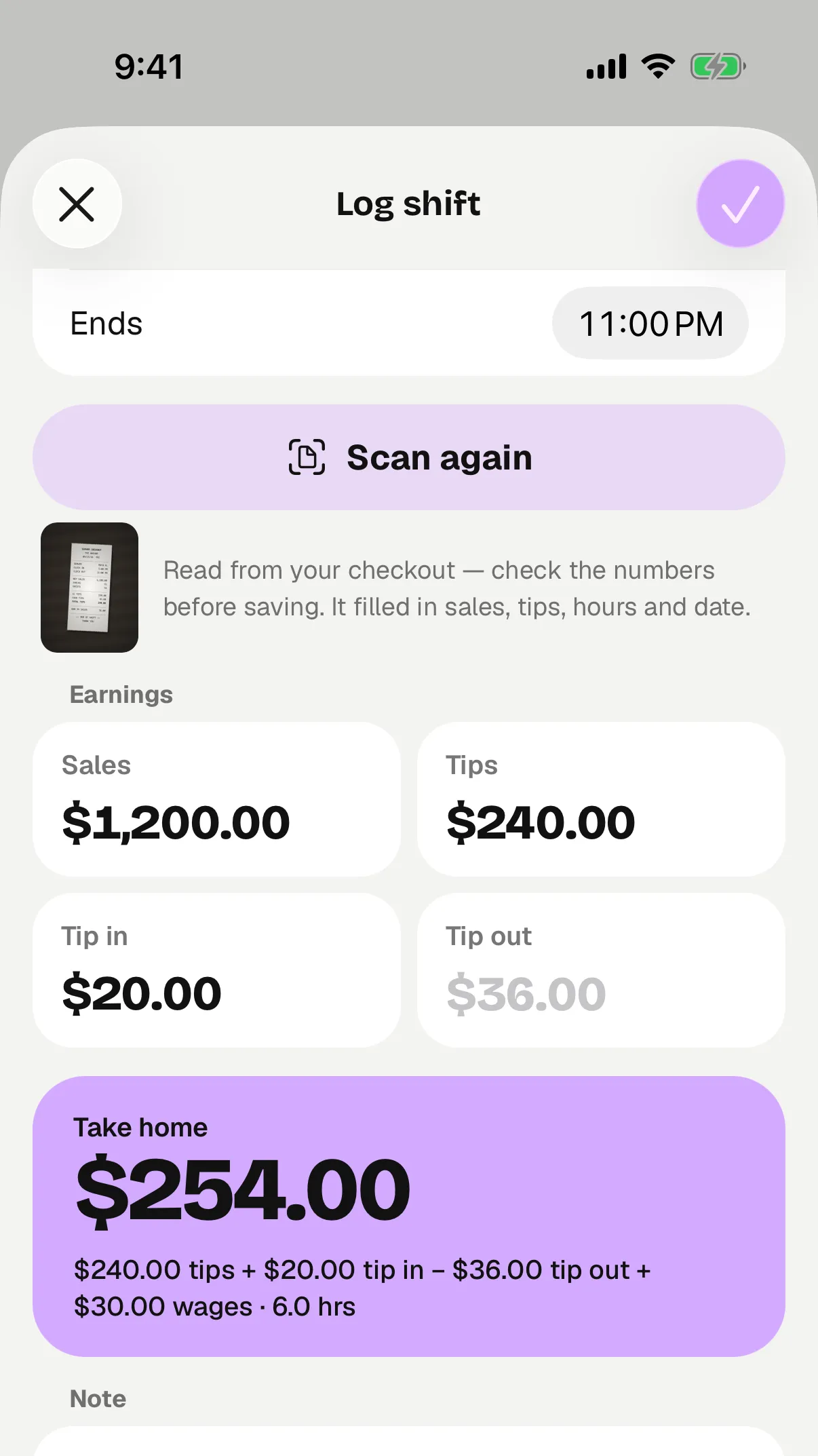
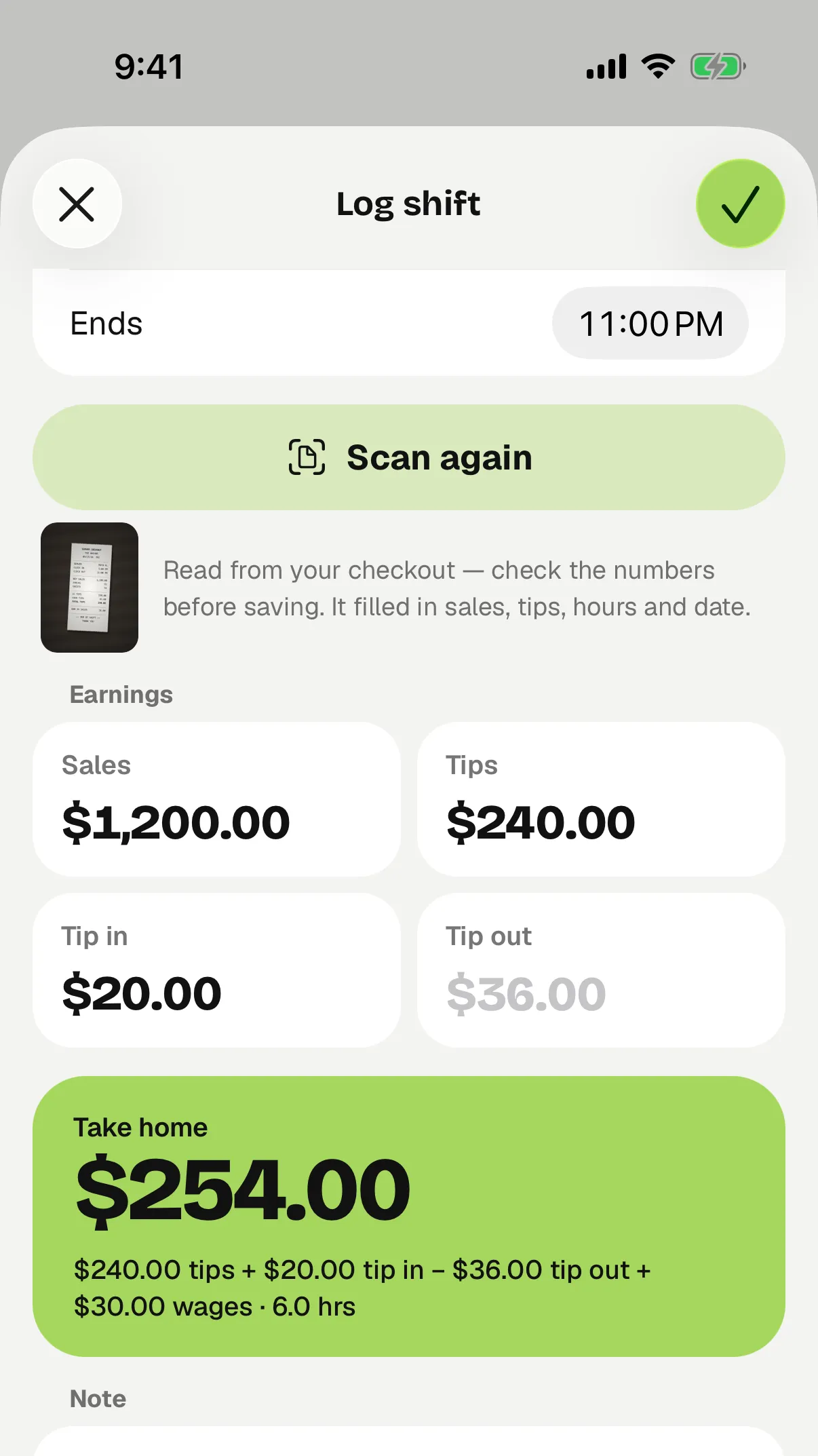
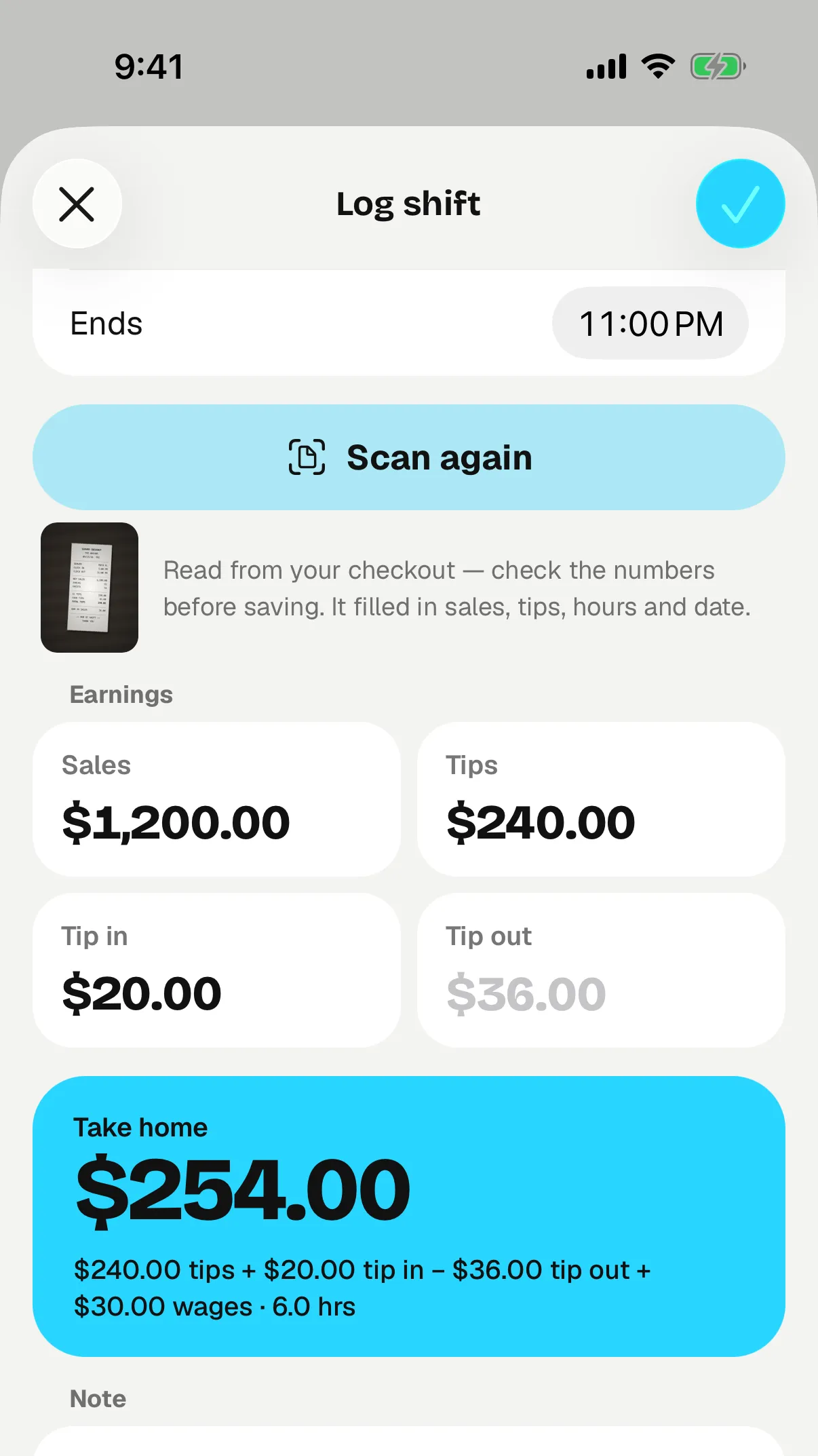
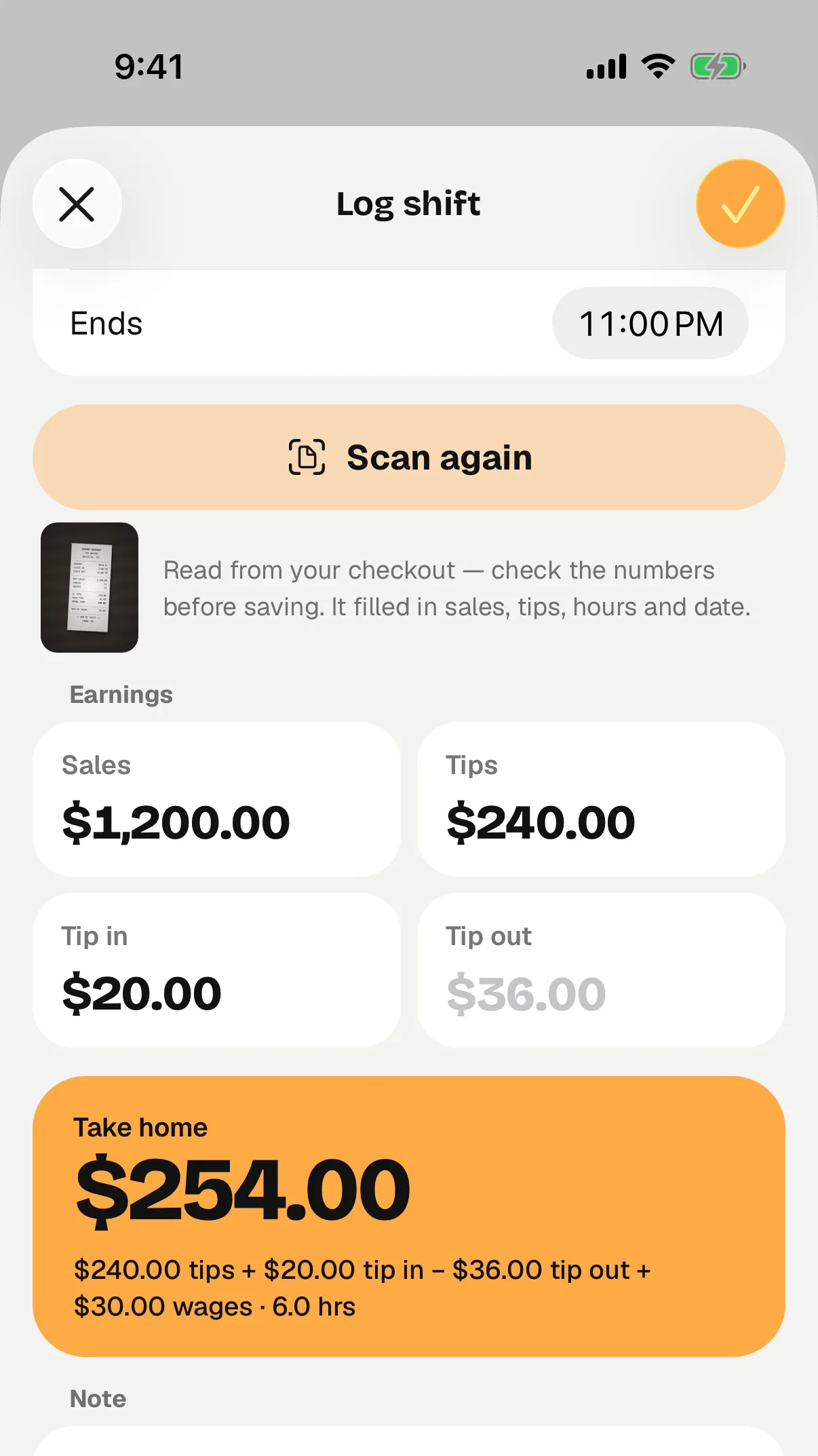
Check what Tipmik picked up. Correct anything that needs it, and add anything your slip leaves out.
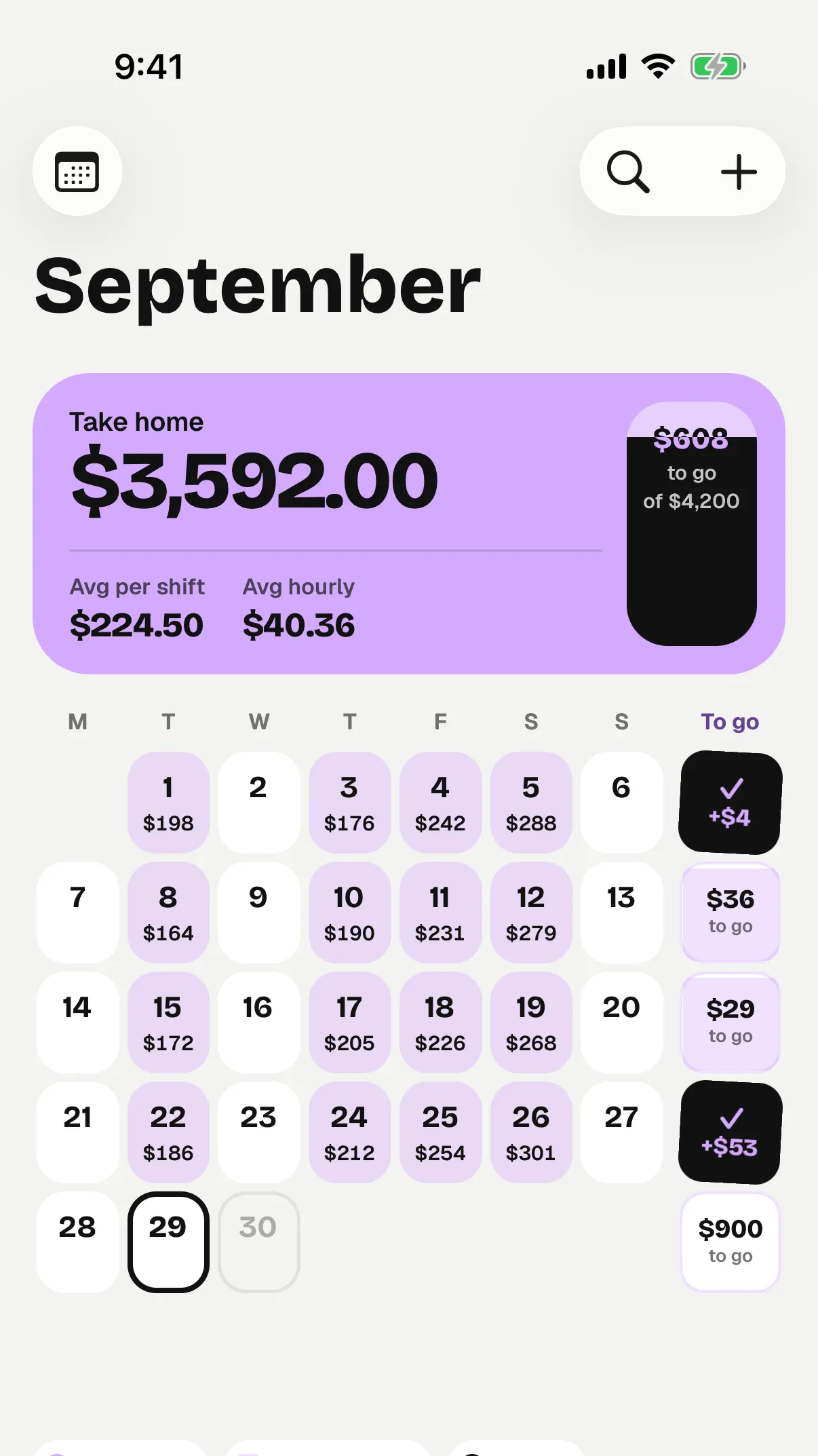
See your earnings and hourly average, with the shift added to your history.
No checkout slip? Enter your shift manually.
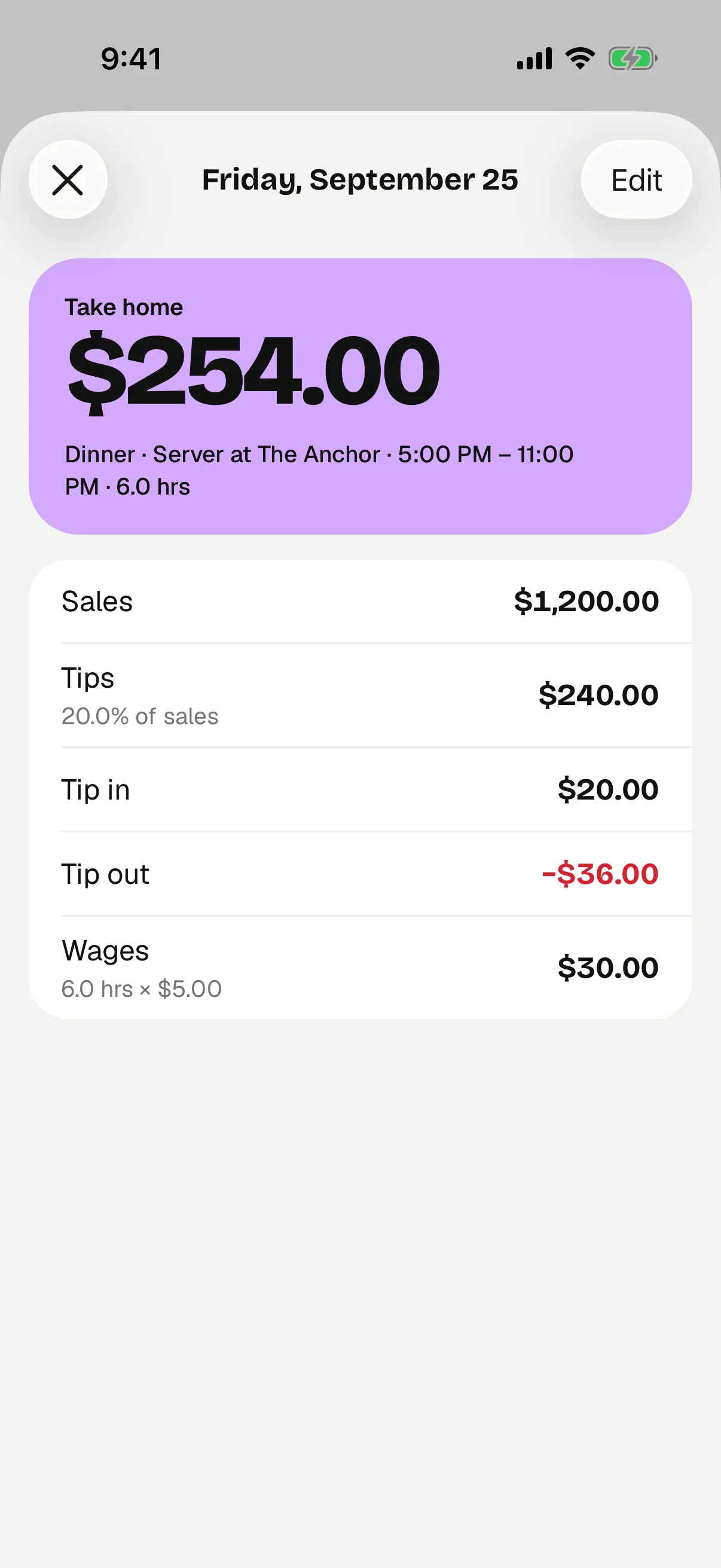
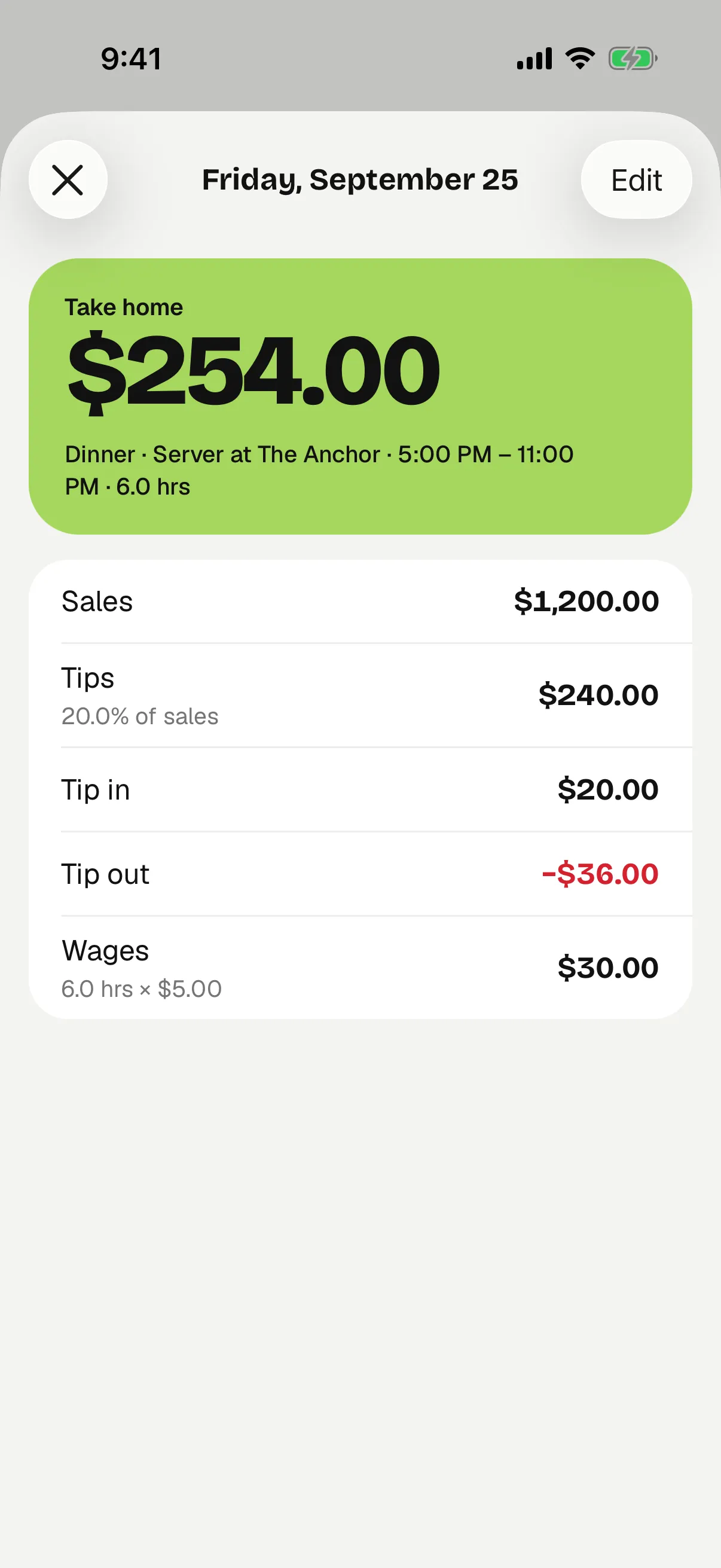
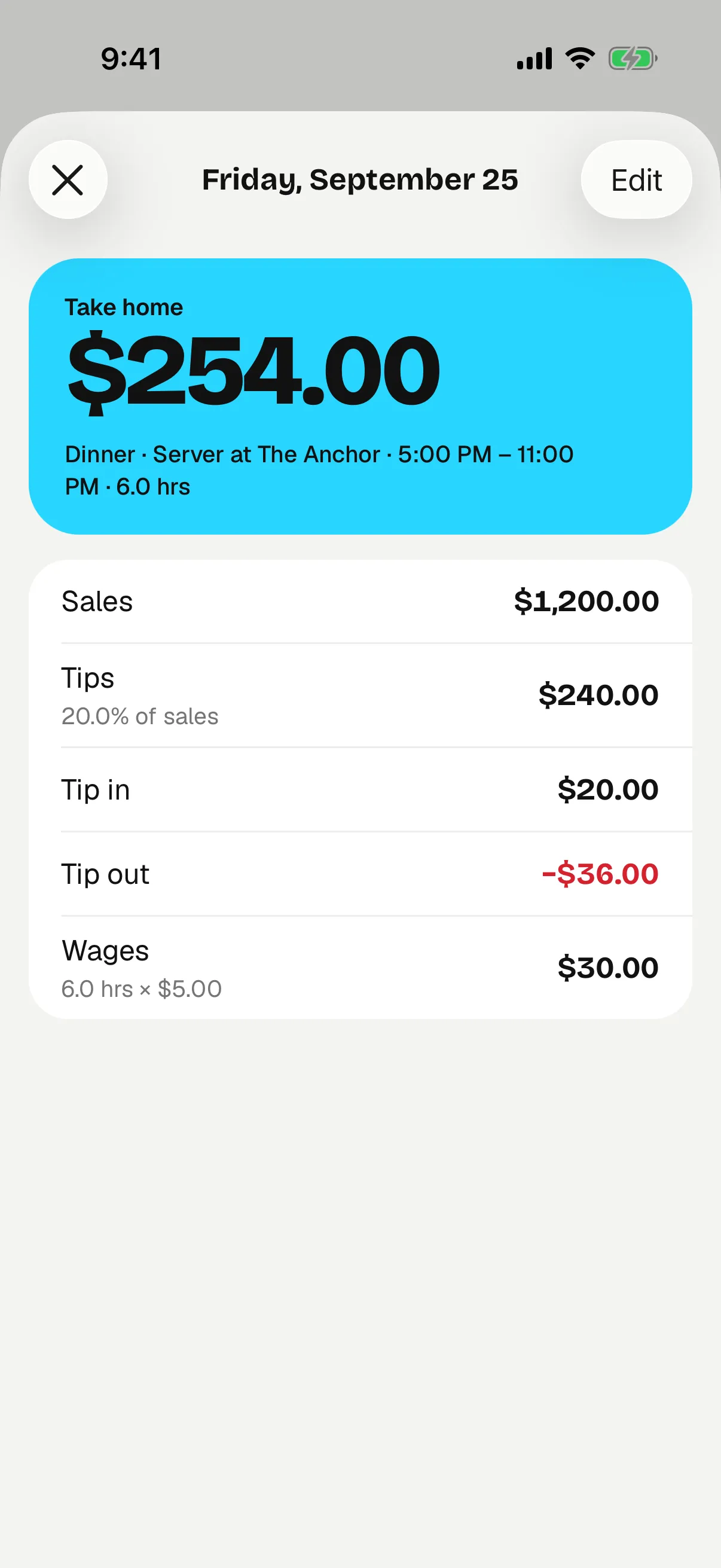
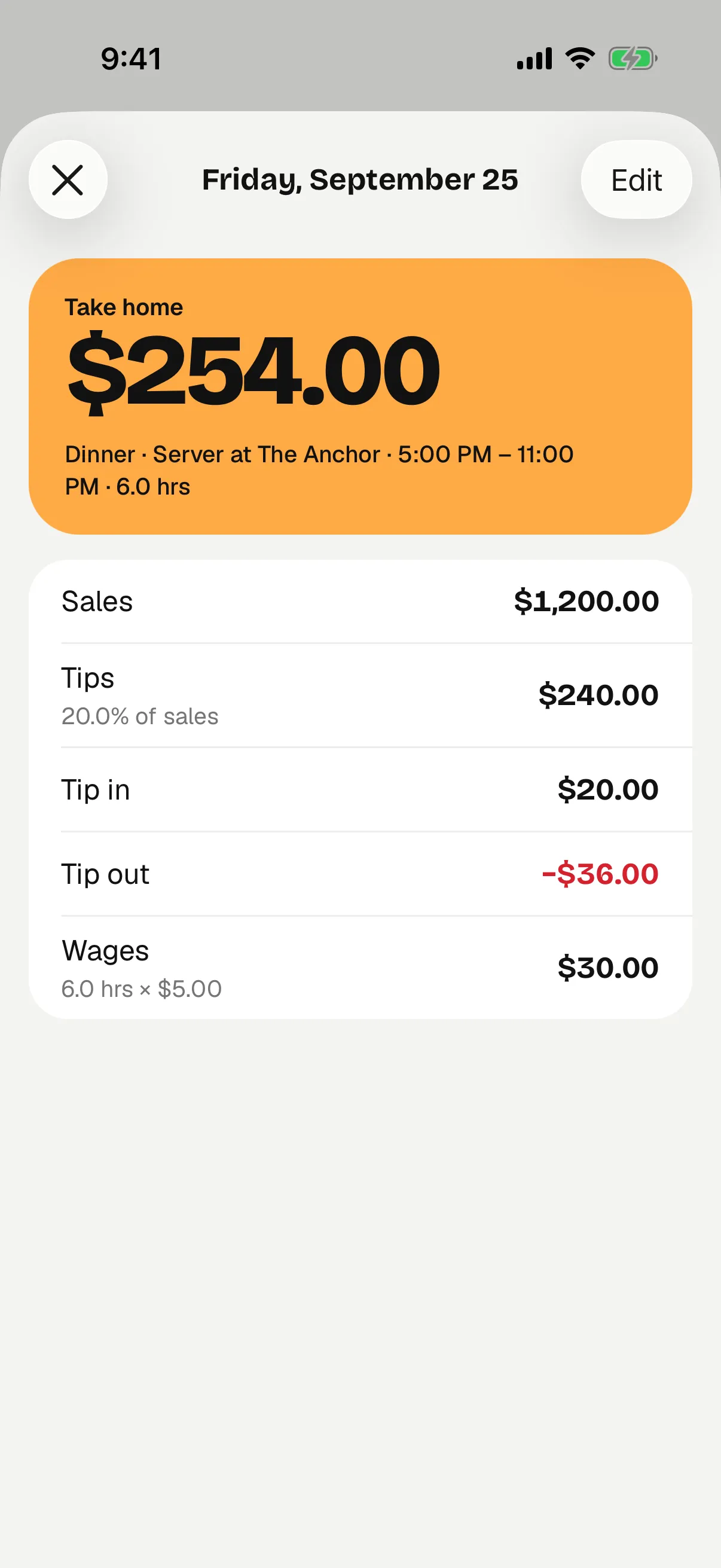
Tips are part of the picture. Tipmik adds tip ins and wages, subtracts tip out, and shows what you earned per hour.
Example shift. Earnings before taxes and other payroll deductions—not necessarily cash paid out tonight. In the app this figure is called “Take home.”
Set each job's tip-out rule: a percentage of sales, a percentage of tips, or a flat amount. Tipmik fills it in, and you can adjust it for the shift.
Receive tips from the floor? Add them as tip in so they're counted too.
Keep each job's wage and tip-out rule with its shifts.
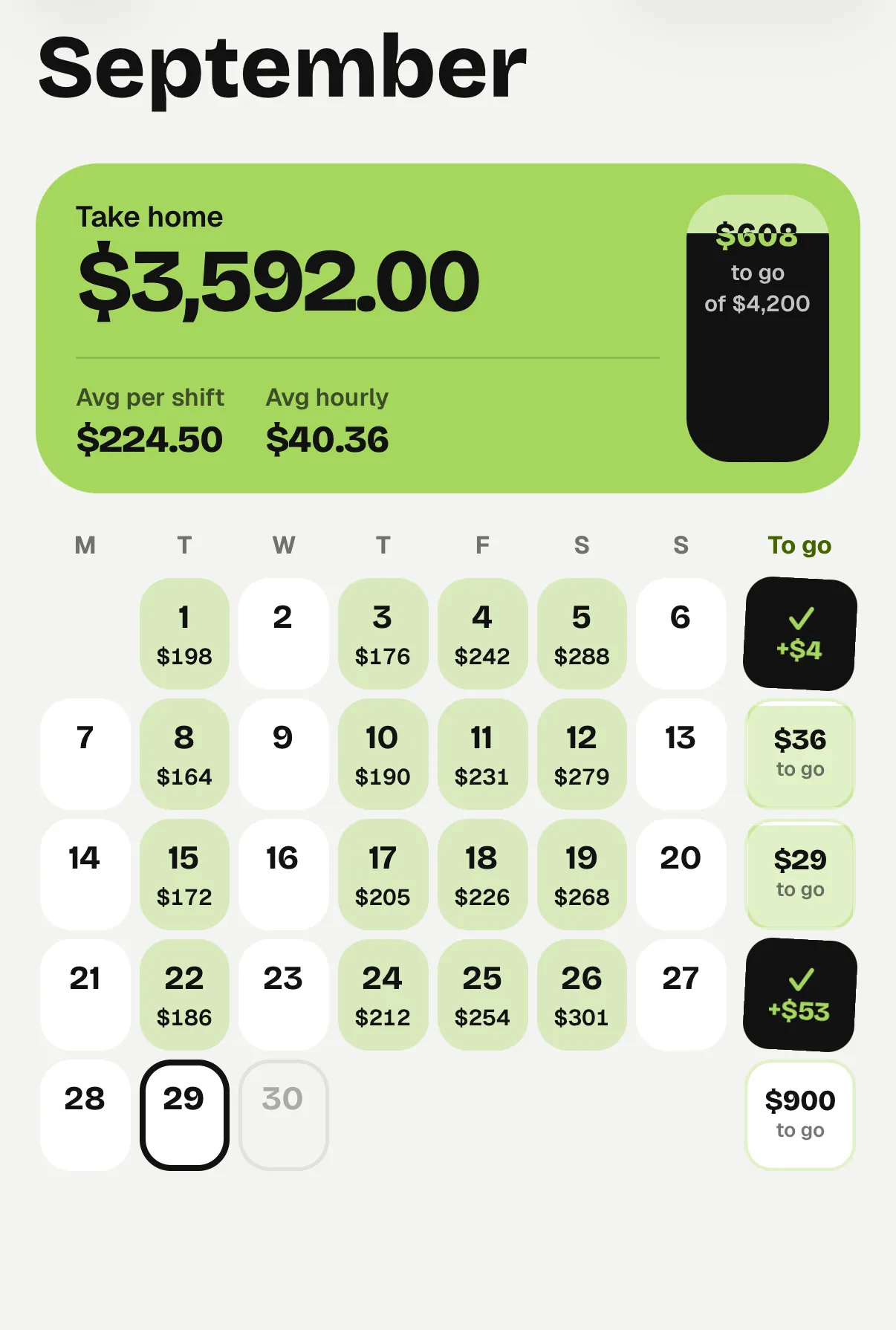
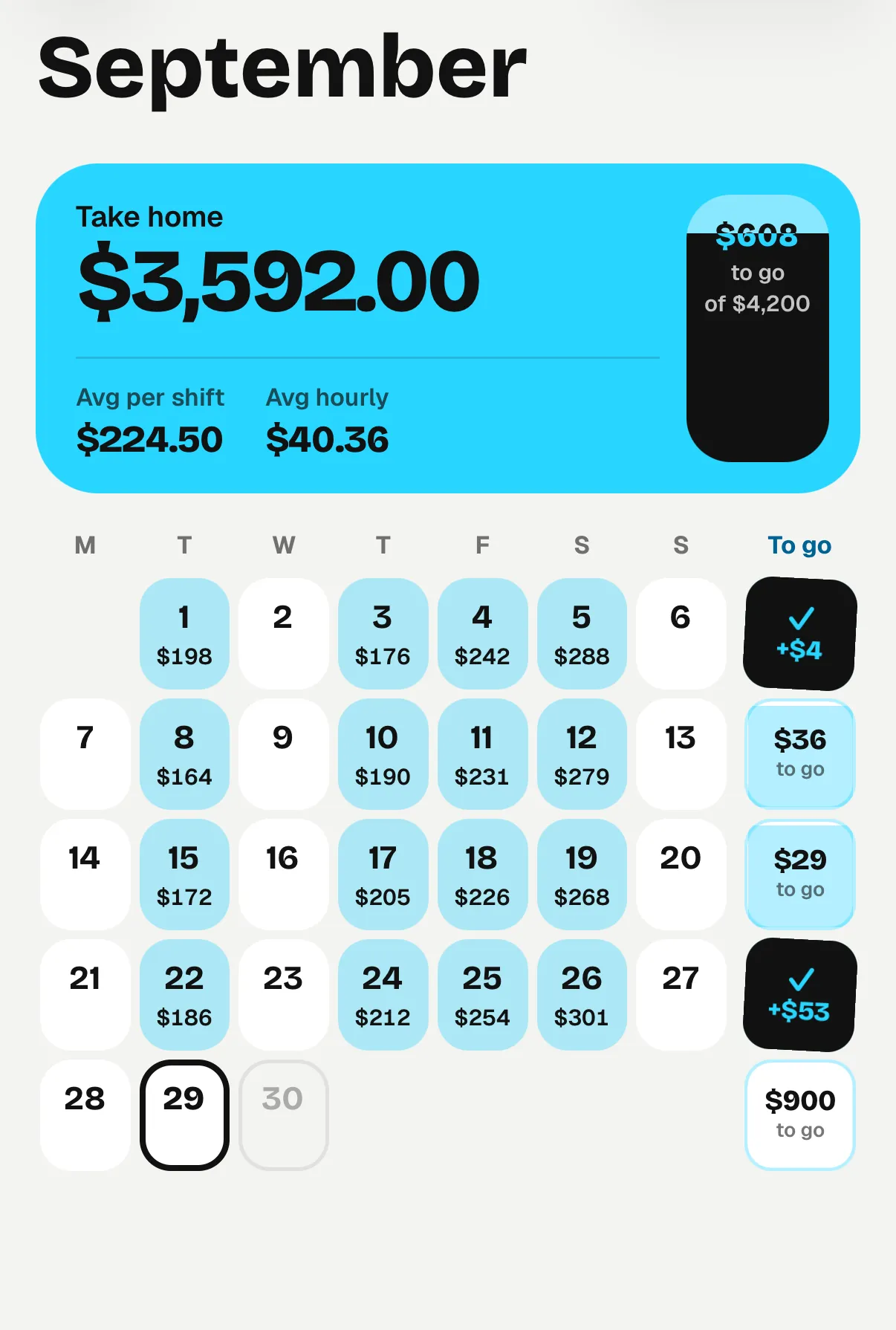
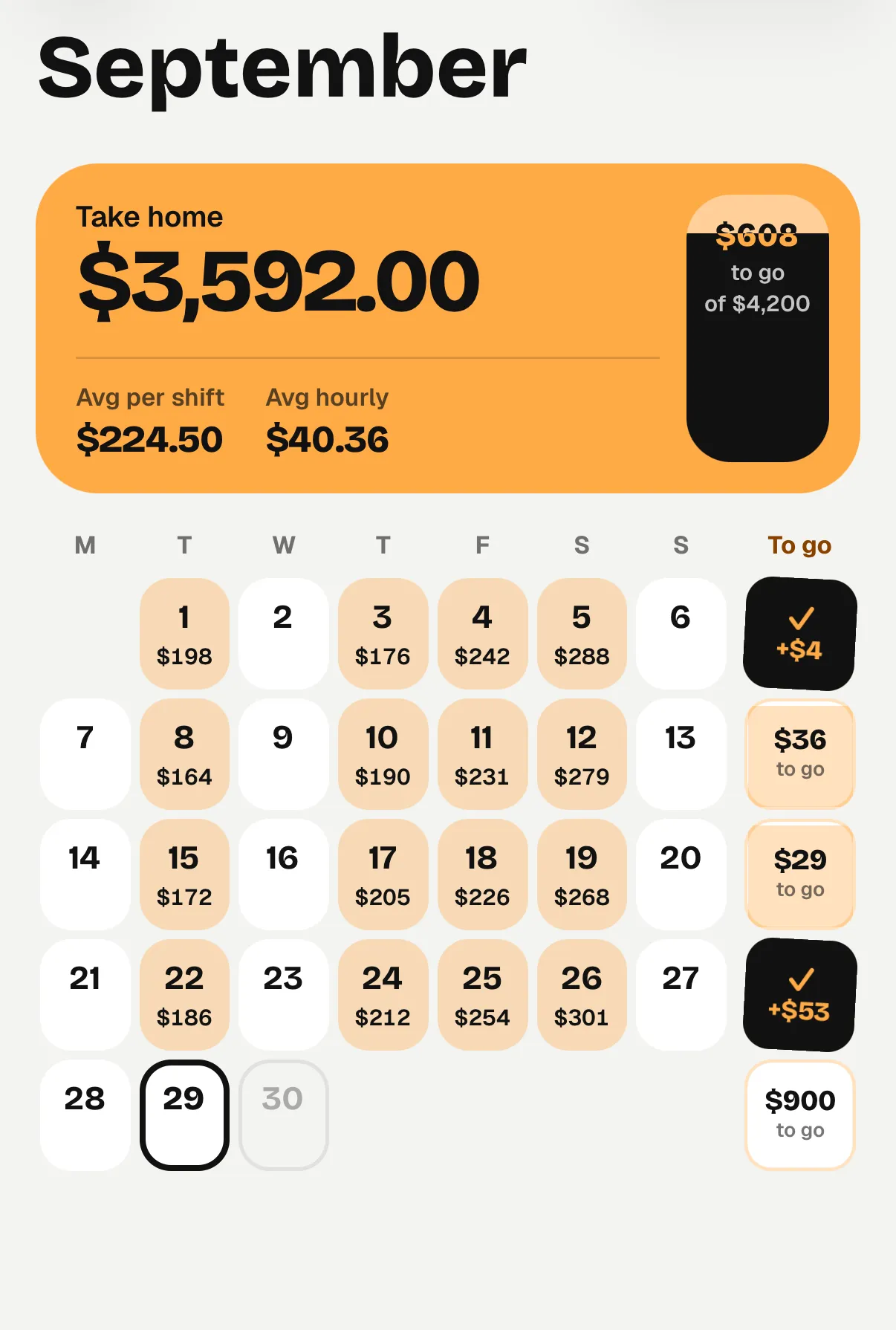
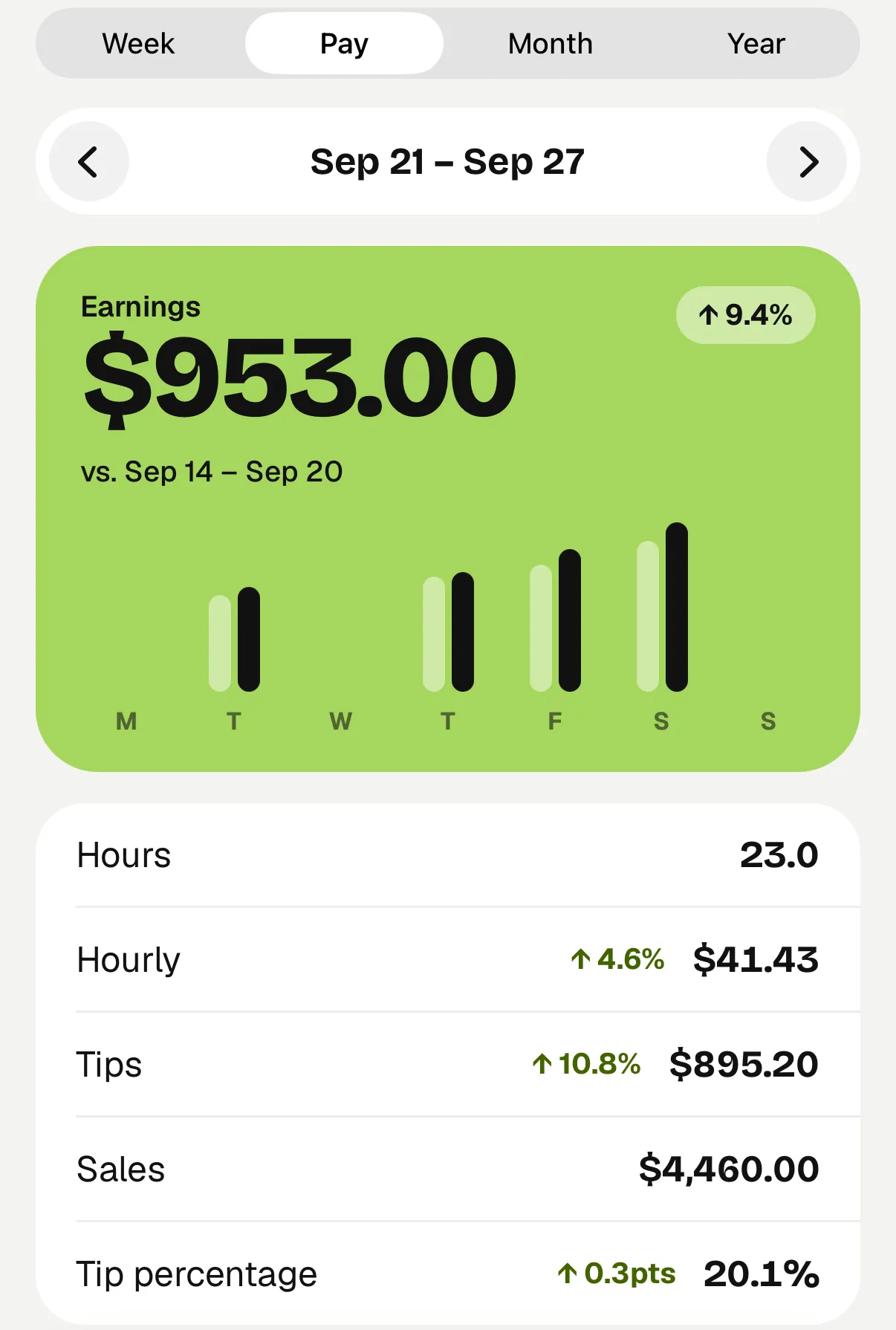
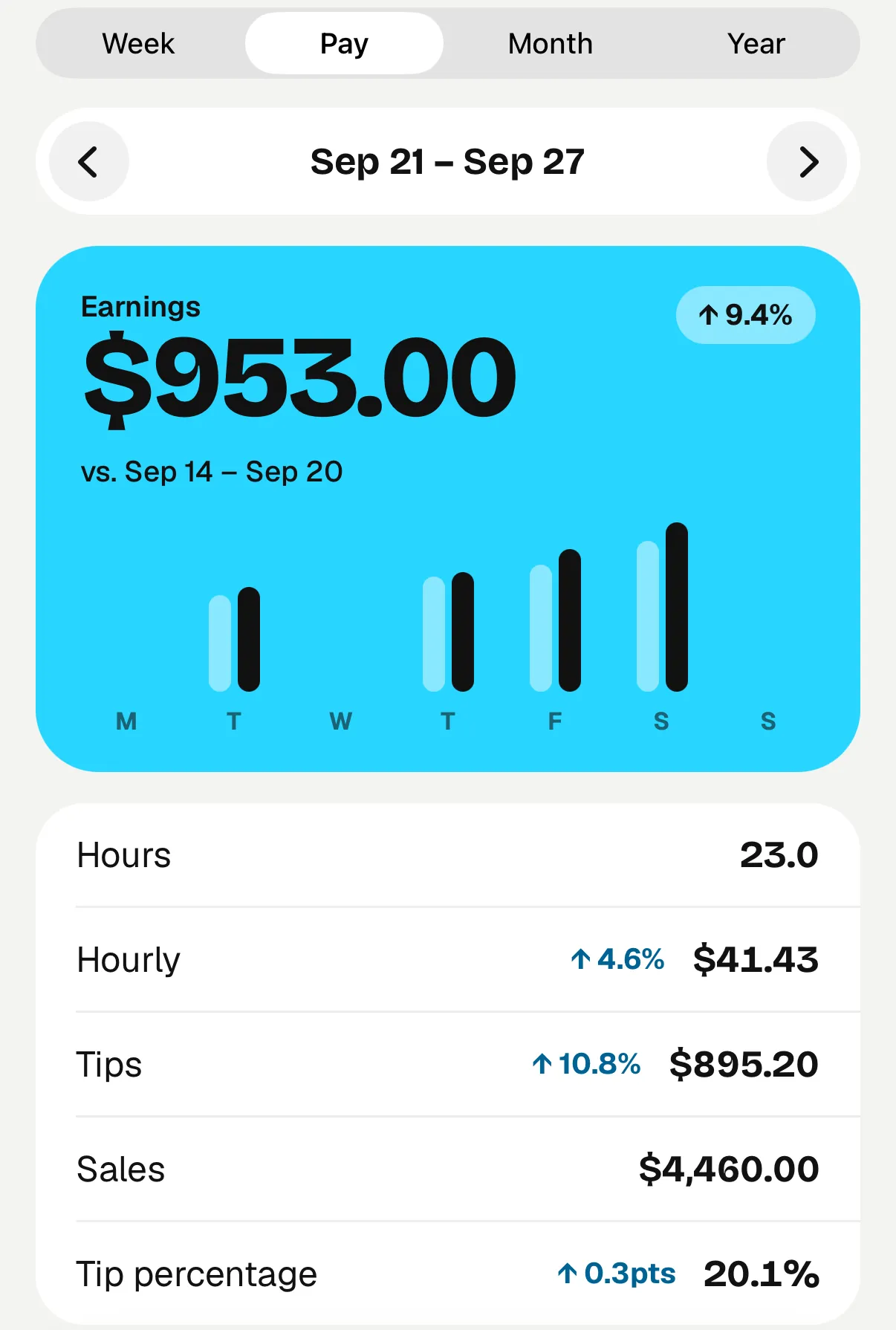
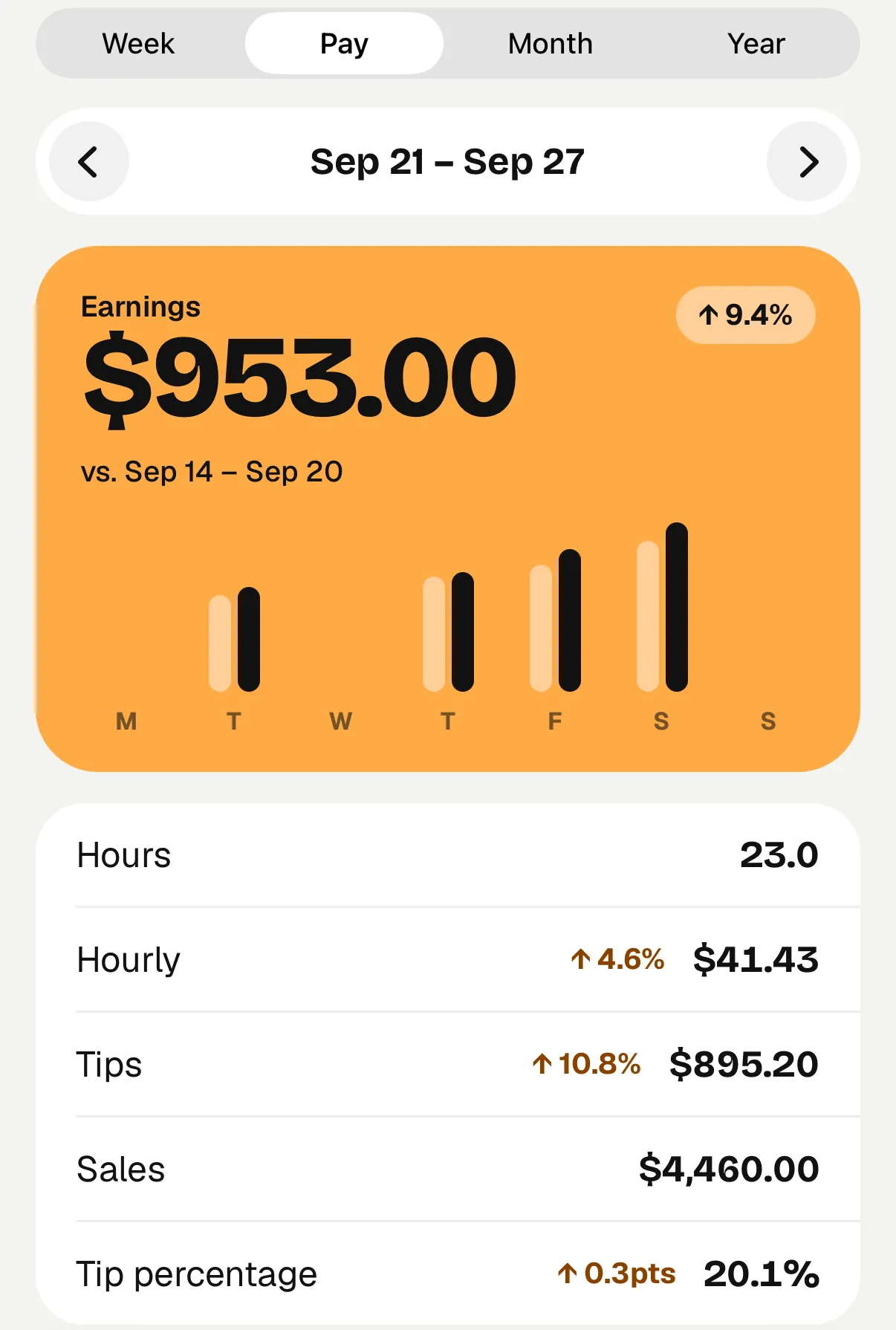
See your logged shifts on a calendar. Compare earnings, hours, and hourly averages by week, pay period, month, or year.
Set your pay week and track weekly or every-two-week periods.
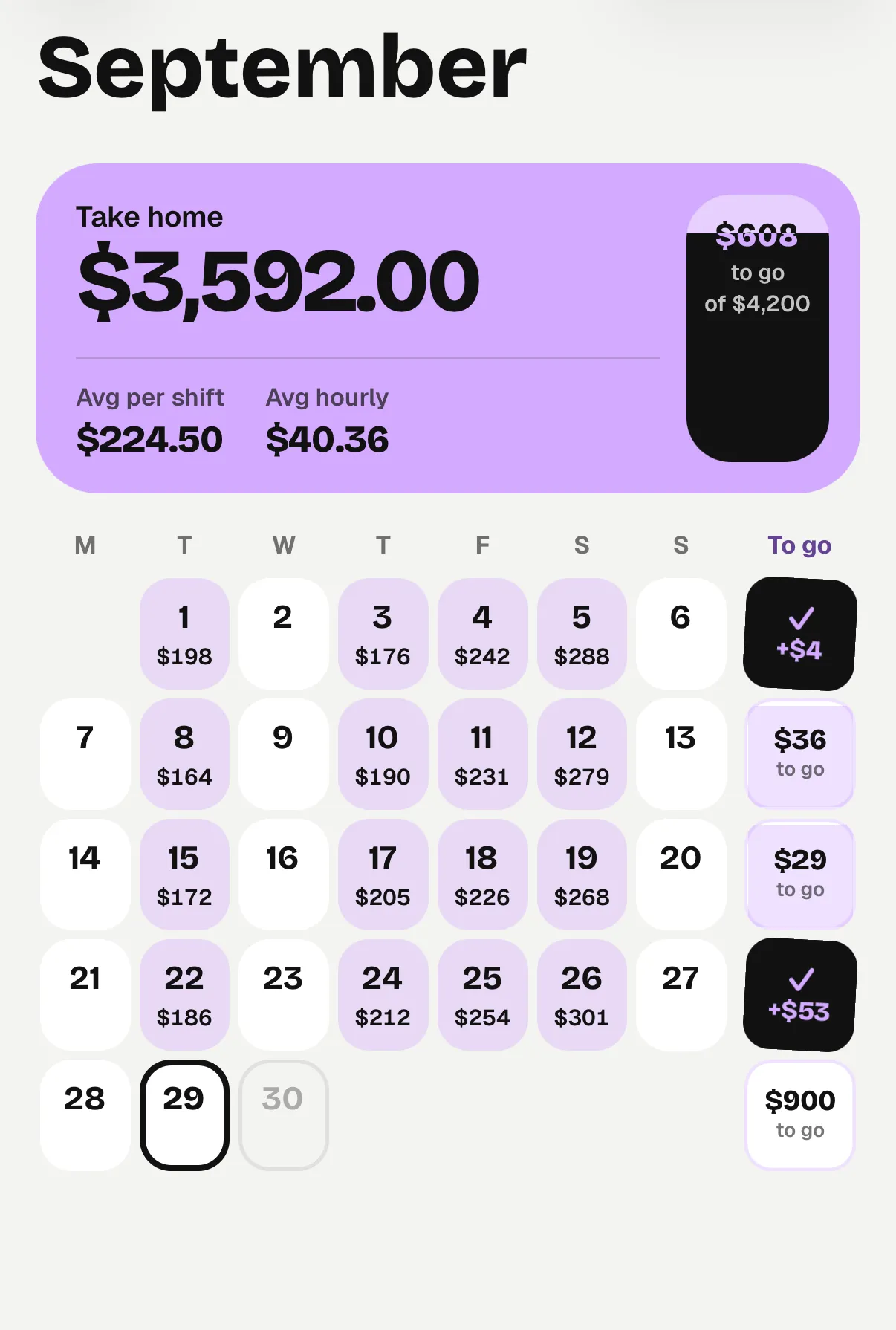
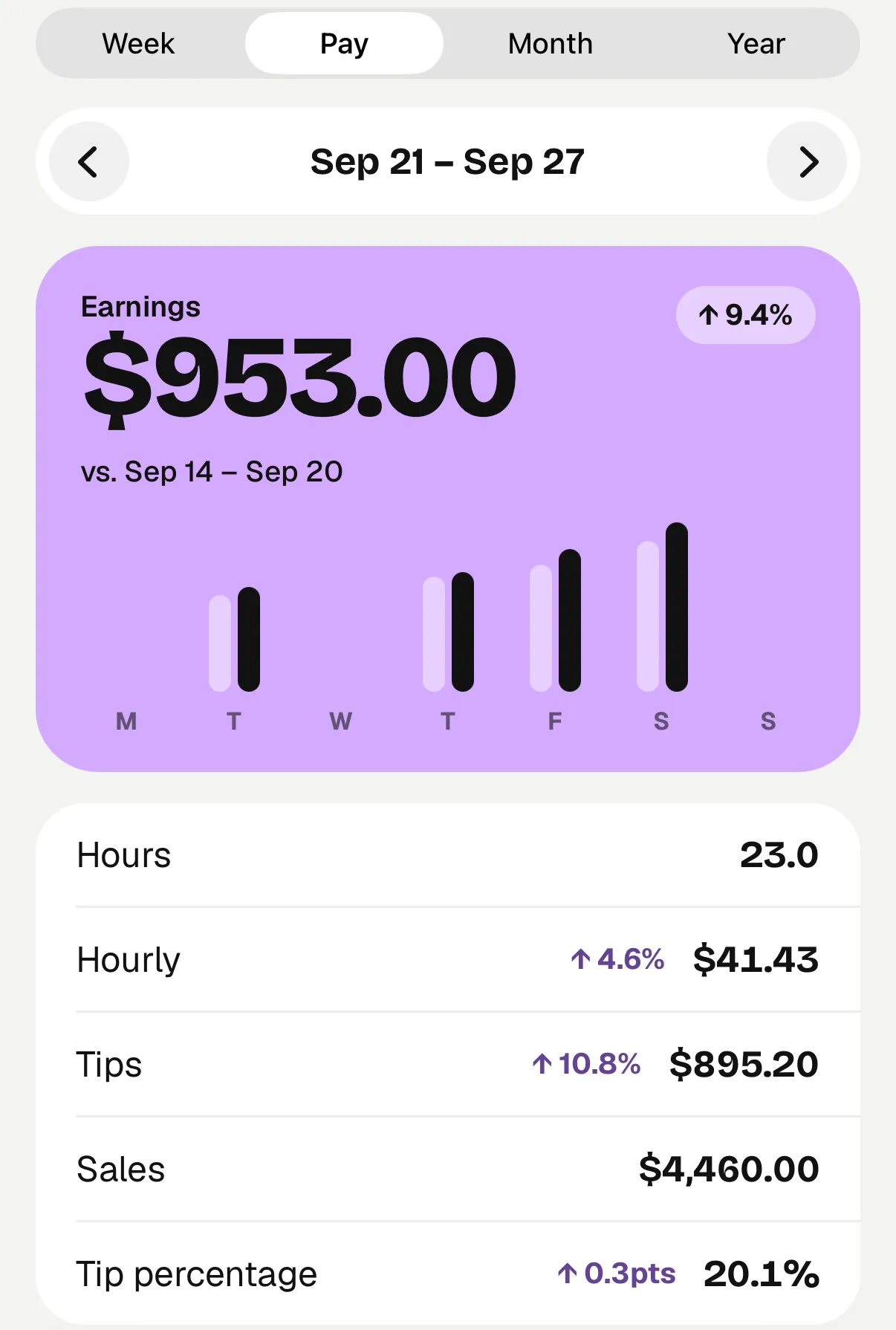
Start your history with tonight's shift.
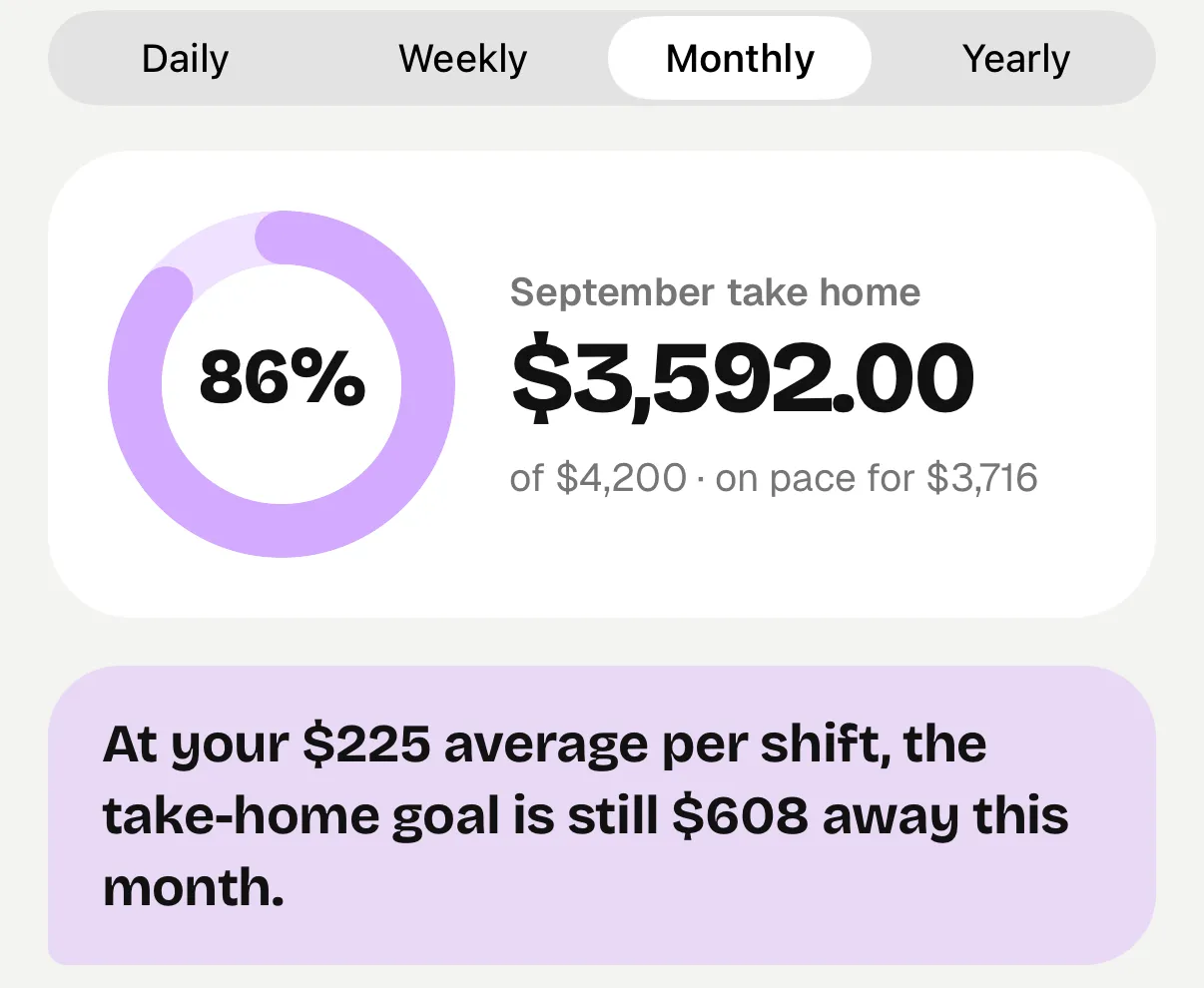
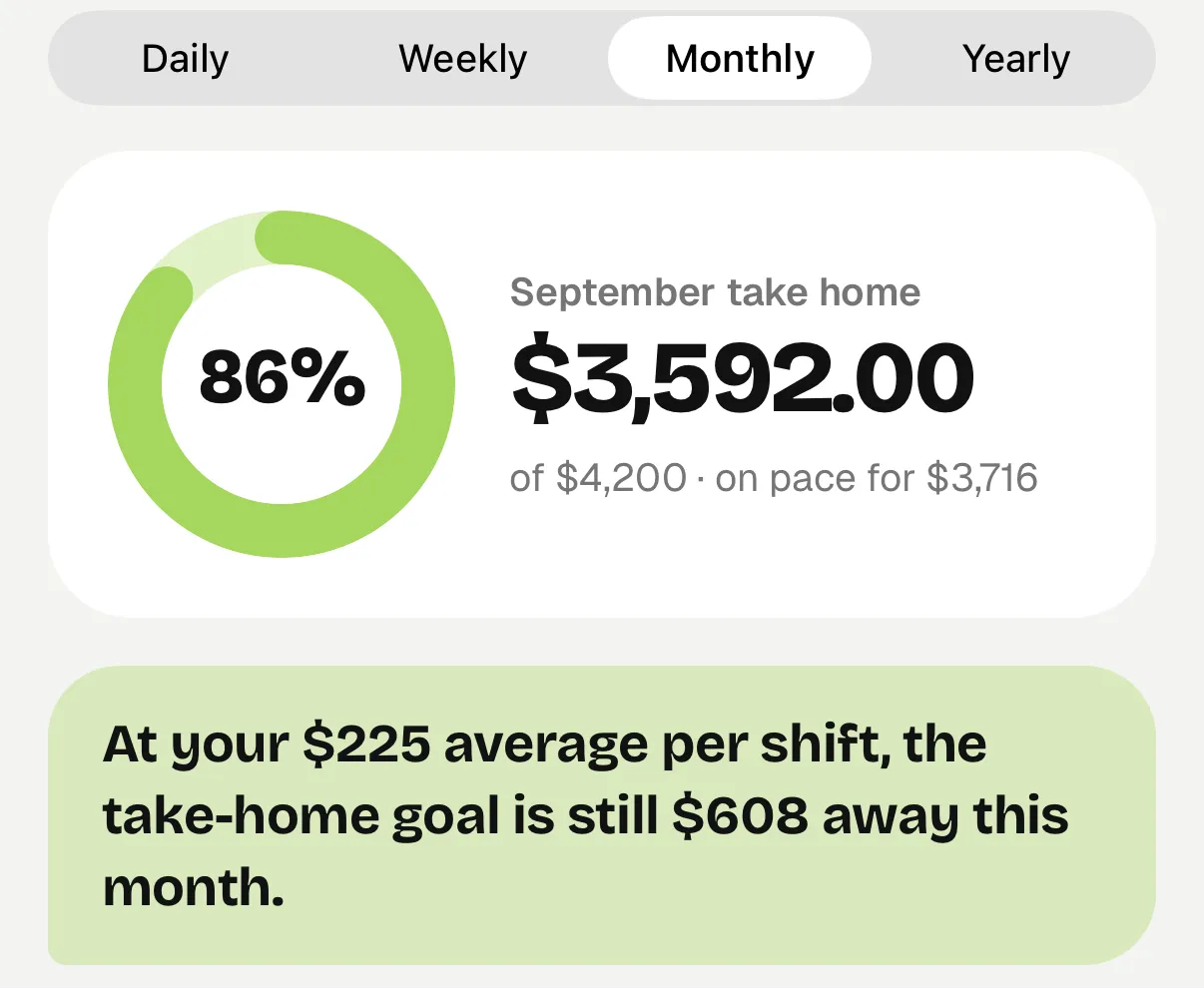
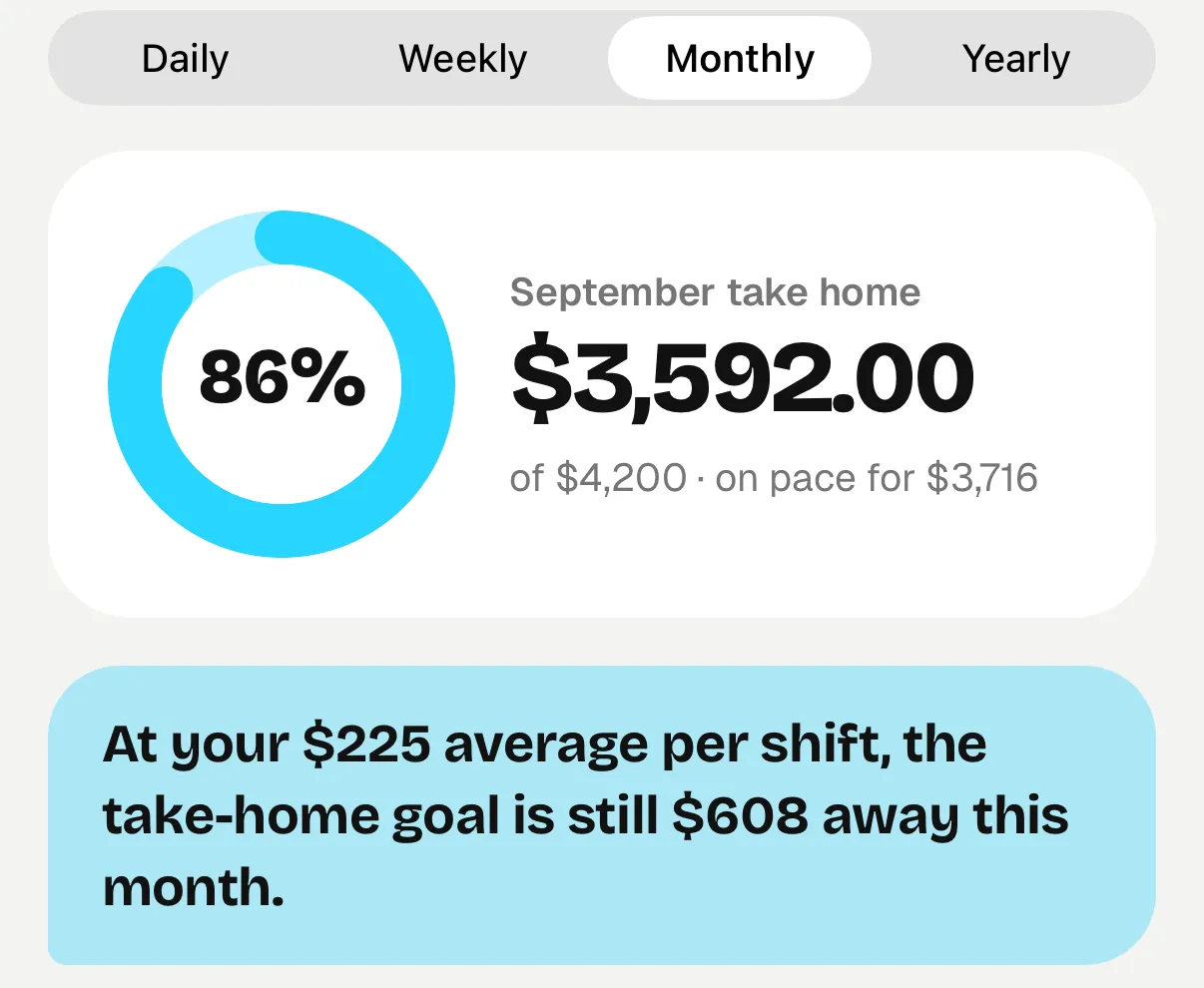
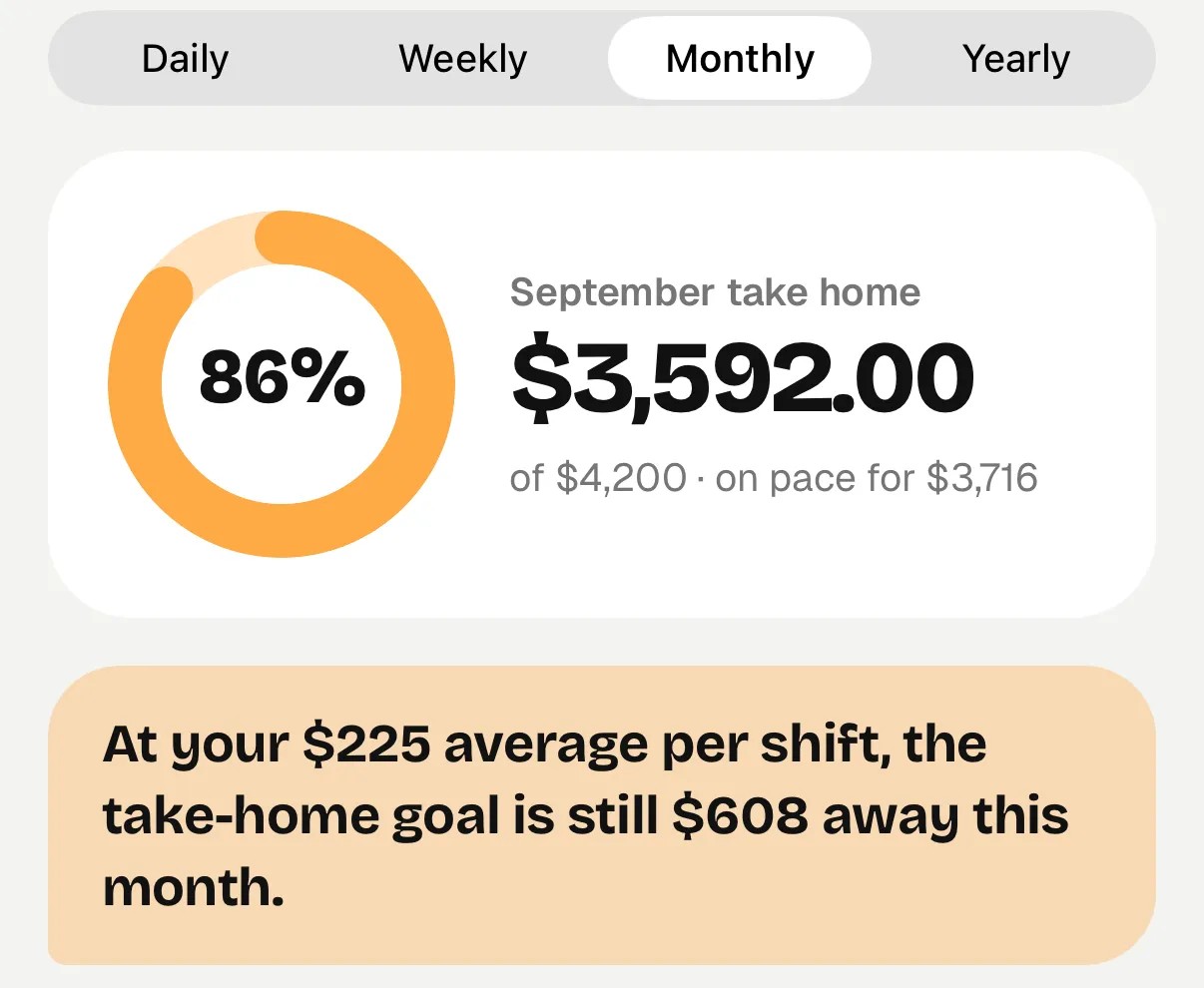
Get Tipmik for iPhoneSet an earnings target and watch each logged shift move you toward it. When there's enough history, Tipmik can estimate how many more shifts it may take.
For rent, a trip, or a little breathing room.
Your saved shifts sync with your Tipmik account. Already set up? You can log shifts offline and sync when you're connected again.
$19.99/ year
Or $4.99 a month. Billed in US dollars through the App Store, after a 3-day free trial.
Servers and bartenders who want a record of their tips, hours, and earnings across shifts and jobs.
No. You can enter a shift manually. If you have a checkout slip, scanning helps fill in the numbers for you to review.
Tipmik reads printed end-of-shift checkouts, whatever system your restaurant uses, though long, faded or crumpled slips can trip it up. You can review and correct the results before saving, or enter the shift manually.
Yes. Set a tip-out rule for each job and adjust the amount for individual shifts. Add tip ins when you receive them. If your workplace pools tips, record your own final share; Tipmik does not currently calculate the whole team's split.
It's the shift's tips plus tip ins and wages, minus tip out. It doesn't subtract taxes or other payroll deductions, and it doesn't track when your employer pays those earnings.
After setting up and signing in, you can log shifts offline and sync when you're connected. Scanning a checkout needs a connection.
Yes, from a CSV file. Export your shifts from your old tip tracker, and Tipmik matches the columns and shows you a preview before anything is added. Shifts already in Tipmik are skipped.
A 3-day free trial, then $19.99 a year or $4.99 a month. Tipmik is for iPhone. See pricing for the details.
Scan your checkout, check the numbers, and give your next shift a place in Tipmik.
Get Tipmik for iPhoneTipmik is iPhone-only for now.
Scan to get Tipmik on your phone.